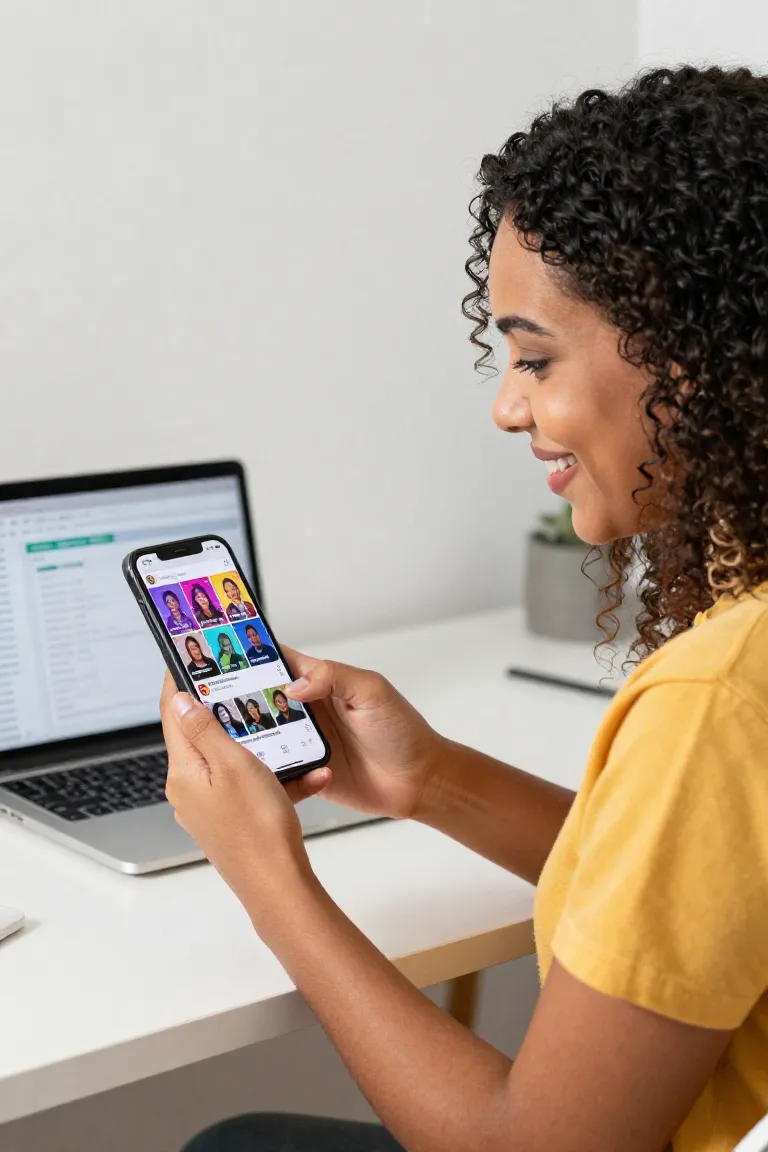
Can you create thumbnails for Shorts?
Yes, you can create thumbnails for Shorts as vertical cover images, but YouTube currently lets Shorts use a selected video frame rather than a custom upload like long-form videos. Tools like Influenciador IA help design high-contrast covers with expressive faces and colors, then you can place that cover inside the Short before uploading.
Is 16:9 YouTube thumbnail size?
Yes, 16:9 is the recommended YouTube thumbnail aspect ratio, not the exact size, because it fits most YouTube players and preview surfaces. YouTube Help now recommends a large image such as 3840 x 2160 pixels, with at least 640 pixels of width.
What is a YouTube thumbnail?
A YouTube thumbnail is the preview image that gives viewers a quick visual snapshot of a video before they decide to open it. For thumbnail shorts, the cover should communicate the hook fast, usually with a face, readable text and strong color contrast.
Should Shorts have thumbnails?
Yes, Shorts should have thumbnails because a clear cover can influence clicks from search, channel pages and other surfaces outside the scrolling Shorts feed. The landing page notes creators reporting 45% more views with custom thumbnail-style covers, especially when expressions and colors are optimized.
Are YouTube Shorts 720p or 1080p?
YouTube Shorts can be uploaded up to 1080p, so 1080 x 1920 is the safer vertical format when you want sharp mobile playback and cover frames. A 720p Short can still work, but text, faces and product details may look softer on high-density phone screens.
Can YouTube thumbnails be 4:3?
Yes, YouTube thumbnails can be 4:3 in some uploads, but the recommended format is still 16:9 because YouTube players and previews are built around that ratio. A 4:3 thumbnail may be cropped, padded or less effective, so use it only when the composition still reads clearly.
Can I use a 4K thumbnail on YouTube?
Yes, you can use a 4K thumbnail on YouTube, and YouTube Help recommends large 3840 x 2160 images as long as the file meets upload limits. For Shorts, remember that a custom image upload is restricted, so a 4K cover works best when inserted as a frame in the video.
How to create a thumbnail for YouTube shorts?
Create a thumbnail for YouTube shorts by designing a vertical cover with one clear hook, high contrast, readable text and a face or focal object. With Influenciador IA, you can generate AI covers in seconds and adapt them to the visual style of your Short before publishing.
Can I upload a thumbnail for Shorts?
No, you cannot upload a custom thumbnail for Shorts the same way you can for long-form videos; YouTube lets you select a frame from the Short. If you want a designed cover, add that image as a frame in the video file before upload, because the selected Shorts thumbnail cannot be changed after publishing.
What is not allowed on YouTube Shorts?
YouTube Shorts do not allow content that violates Community Guidelines, including scams, spam, hate speech, sexual content, dangerous acts, graphic violence, harmful misinformation or copyright abuse. The same rules apply to titles, links and thumbnails, so avoid misleading covers or shocking imagery that does not match the video.