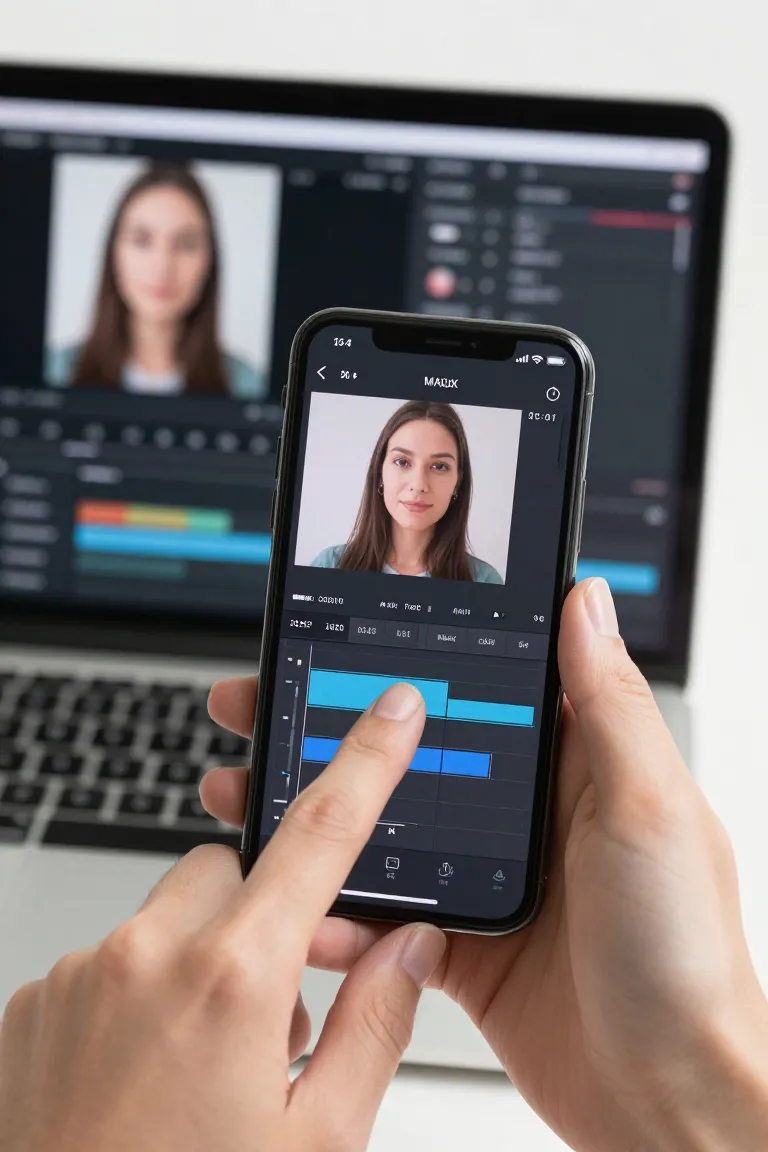
Can you swap faces on CapCut?
Yes, you can swap faces for a CapCut edit by generating the face swap with an AI tool first, then exporting the finished clip in a CapCut-compatible format. CapCut is useful for trimming, captions and final edits; the realistic face replacement happens before import. Influenciador IA is built for that AI-to-CapCut workflow.
Can CapCut edit faces?
Yes, CapCut can edit faces with tools such as filters, masks, beauty adjustments and timeline effects, but full identity-level face swap usually needs a dedicated AI generation step. Use CapCut for polish after the face has already been replaced. This keeps the edit cleaner and easier to control.
How to swap a face on video?
Upload the source face and the target video to an AI face swap tool, generate the replacement, then open the exported clip in CapCut for captions, cuts and sound. This flow avoids manual frame-by-frame masking. For creator content, a web tool that exports video directly saves the most editing time.
How do I face swap?
Start a face swap by choosing the face you want to use, selecting the video or image to receive it, and letting AI match expression, angle and lighting. Review the output before posting because small mismatches can affect realism. Then finish pacing, text and music in your editor.
Does CapCut have a face filter?
Yes, CapCut has face filter and beauty-style tools for changing the look of a face, but those filters are not the same as replacing one person's face with another. For a realistic face swap capcut workflow, generate the swap with AI first. Then use CapCut filters only for final styling.
Can I change the face of a person in a video?
Yes, you can change the face of a person in a video by using AI to replace the visible face and preserve movement, expression and timing. The result can then be edited in CapCut like any other video file. Always use content you have rights and consent to use.
How to mask face in CapCut?
To mask a face in CapCut, add the video, select the clip, use masking or overlay controls, and adjust the mask position as the face moves. This works for hiding, highlighting or blending areas. For a full face swap, masking alone is slower than generating the replacement with AI.
Which app is best for face swap videos?
The best app for face swap videos is the one that handles face replacement, lip-sync quality, export format and post-editing with the fewest manual steps. If your final edit is in CapCut, choose a tool that exports a compatible video. Influenciador IA focuses on realistic AI video output for creators.
How to reshape face in video?
Reshape a face in video by using face adjustment tools for light changes or AI generation when you need a stronger transformation across frames. Simple reshaping can be done with filters, but realistic motion requires consistency frame to frame. Test a short clip first to check artifacts.
How to swap face with CapCut?
To swap face with CapCut, create the AI face swap outside CapCut, export the generated video, then import it into CapCut for editing. CapCut can handle cuts, captions, audio and effects after the face replacement is done. This is the fastest workflow when you want a realistic result.
Can CapCut transform an image to a video?
Yes, CapCut can transform an image to a video with templates, animation, keyframes and timeline effects, but that is different from generating a realistic face-swapped person. For a talking or swapped-face clip, create the AI video first. Then use CapCut to format it for TikTok, Reels or Shorts.
How do I swap someone's face in a video?
To swap someone's face in a video, use a face image you are allowed to use, upload the video, generate the AI replacement, and review the result before publishing. Consent matters because face swapping can mislead viewers. Influenciador IA is designed for creator workflows where the finished clip can be edited in CapCut.
Does the Face app still do Face Swap?
No, FaceApp is better treated as a photo editor than a reliable Face Swap video workflow today because feature availability can change by version and region. If your goal is video, use an AI video tool instead of a photo-only workflow. Then edit the final clip in CapCut.
Can I face swap on TikTok?
Yes, you can face swap for TikTok by creating the swapped video first and uploading it to TikTok after editing, but TikTok itself is usually better for publishing and effects than precise face replacement. Use CapCut for captions and pacing if you want more control. Keep disclosure and consent clear.
Can you edit faces on CapCut?
Yes, you can edit faces on CapCut with filters, retouching, masking and effects, but a realistic face swap capcut result usually starts with AI replacement before the edit. After export, CapCut is useful for cropping, subtitles, music and platform formatting. This keeps the face work and the final edit separate.