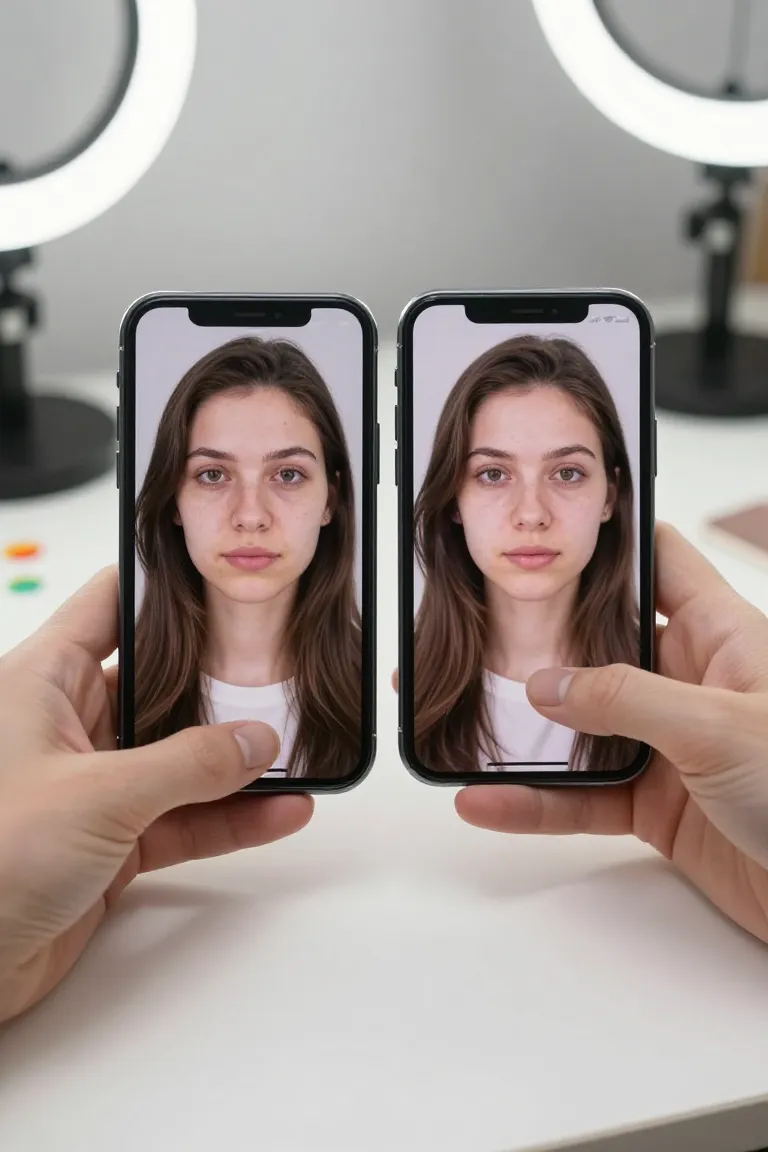
Can you still face swap on Snapchat?
Yes, you can still face swap on Snapchat by using available face swap Lenses, but the exact Lens can change as Snapchat rotates and updates effects. Search Lens Explorer for face swap and test options with good lighting. For more realistic video results, AI tools like Influenciador IA focus on synced expressions instead of quick novelty filters.
How to use Snapchat for face swap?
Open Snapchat, tap the Lens icon, and search face swap to use Snapchat for face swap with the current Lenses available in your app. Select a Lens, align your face in bright light, and record or save the Snap. For polished video, use an AI workflow that keeps expressions and motion consistent.
Is Snapcam still available?
No, Snapcam is not still available as an official desktop app because Snap Camera was discontinued and its original download was removed after the shutdown. Use Snapchat Lenses on mobile or a web AI tool when you need a face swap effect now. Avoid unofficial installers, because they may be outdated or unsafe.
Can you change your face on Snapchat?
Yes, you can change your face on Snapchat with Lenses that reshape features, add masks, or replace facial details in the camera view. Open the camera carousel or search Lens Explorer for the specific effect. Native Lenses are fast; AI video tools are better when realism and expression sync matter.
Can I swap a face on a photo?
Yes, you can swap a face on a photo with an image face swap tool, while Snapchat is mainly built around live camera Lenses and Snaps. Use a clear, front-facing source photo for best alignment. For video output, Influenciador IA combines the chosen face, scene and movement in one web workflow.
How to find face swap?
Find face swap by opening Snapchat's camera, tapping the Lens icon, and typing face swap in Lens Explorer or the search bar. Lens names change, so try related terms like swap face, face changer, or AI face. Pick the Lens with the preview closest to the effect you want.
Why was Snapcam discontinued?
Snapcam was discontinued because Snap stopped maintaining the Snap Camera desktop app and ended the official way to use Snapchat Lenses as a virtual webcam. The practical result is that Zoom or streaming setups can no longer rely on the official Snapcam installer. For new content, use Snapchat mobile Lenses or AI video generation instead.
How to get Snapcam?
You generally cannot get Snapcam officially now because Snap Camera's desktop download was removed after the app was discontinued by Snap in 2023. Third-party copies may carry security risk or fail with current apps. If your goal is face swap snapchat style video, a browser-based AI workflow is the safer route.
Can I face swap on Snapchat?
Yes, you can face swap on Snapchat when a compatible face swap Lens is available in your Lens carousel or Lens Explorer search results. Availability can vary by region, app version and Lens creator updates. For stable repeatable output, Influenciador IA uses AI video generation with synchronized expressions.
How do I change the face on Snapchat?
Change the face on Snapchat by opening the camera, choosing a face-changing Lens, and keeping your face centered until the effect locks on. Then take a Snap or record a video with the new face applied. If the Lens looks artificial, use an AI face swap tool for cleaner motion and expressions.